
Creating a Qualys Lab Environment
Qualys Community Edition allows up to 16 IP Addresses to be scanned to demonstrate the product's capability. Once an account is set up, you can specify the IP addresses you would like to scan by using a comma separated list. A local scanner is needed. To create one you can select the desired hypervisor and download a pre-installed image.
As I am installing on Hyper-V, I was provided with a .vhdx. To create the VM they recommend 4 vCPU and 8 GB. This does need to be a Generation 1VM. Upon first boot you will need to enter the personalization code provided with the download. Once the personalization code is entered the system will automatically start updating and phone home back to Qualys where it will report in the version.

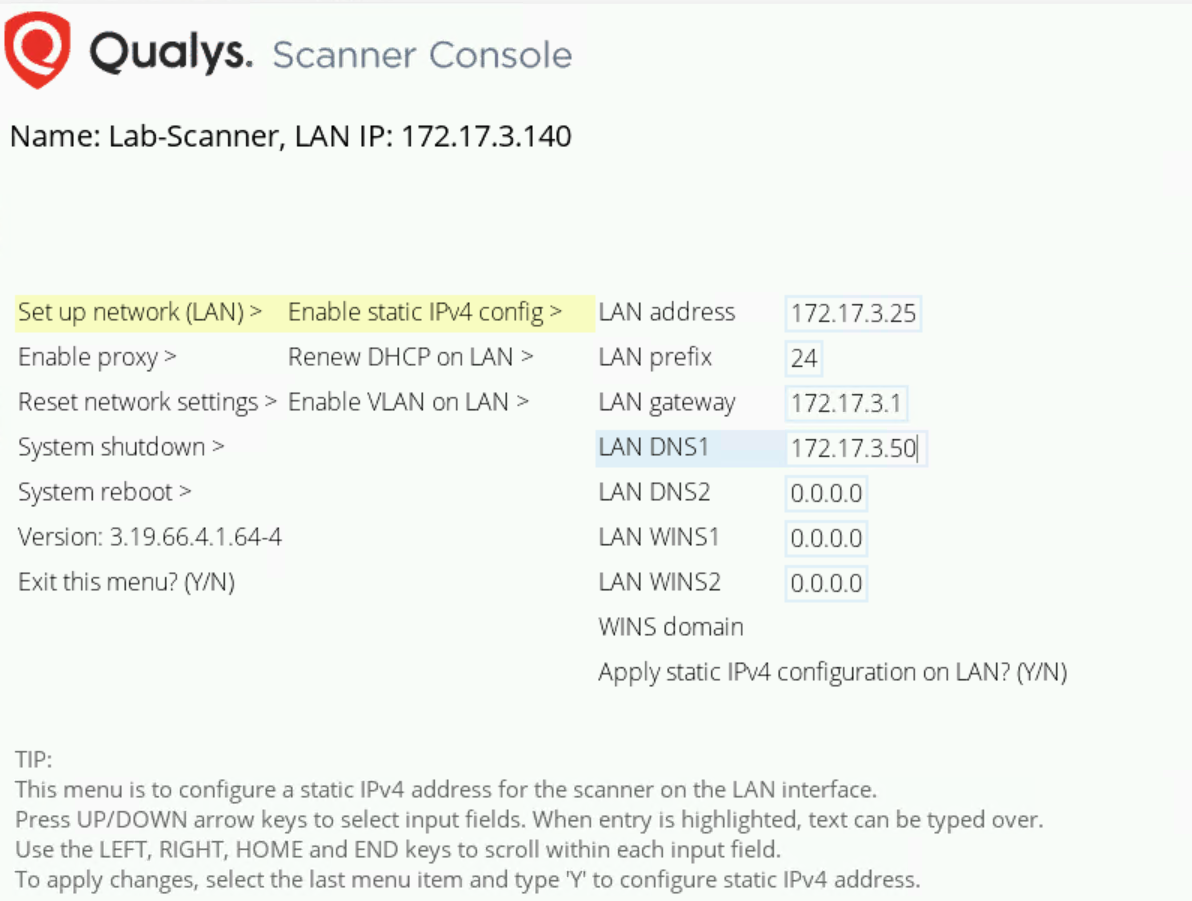
Once the updates are complete you can view the DHCP address received and configure network settings. At this point the Qualys cloud console should show the scanning engine version and signature version are up to date as well as reflect the static IP.
No Comments